
Analytics and collaboration. One workspace.
See progress clearly and keep meetings, tasks, folders, and teammates connected.
Time recorded vs the previous period
Today
Transcripts, summaries and formal minutes
from every meeting, in the room or online.

Executive Overview
The management team reviewed the Q3 reforecast, approved two new hires starting in December, and agreed a recovery plan for the delayed Lakeside Clinics rollout. Revenue is tracking 12% above target, travel and contractor spend will be capped for Q4, and year-end invoices close on 5 December.
Share of talk time
99+ languages
Transcribed and labelled
32 speakers
Told apart in one recording
97% accuracy
Transcription accuracy
3 ways to capture
In the room, by upload, or online
Turn every conversation into an accurate transcript, a clear executive summary, key points, and decisions without replaying the full meeting.

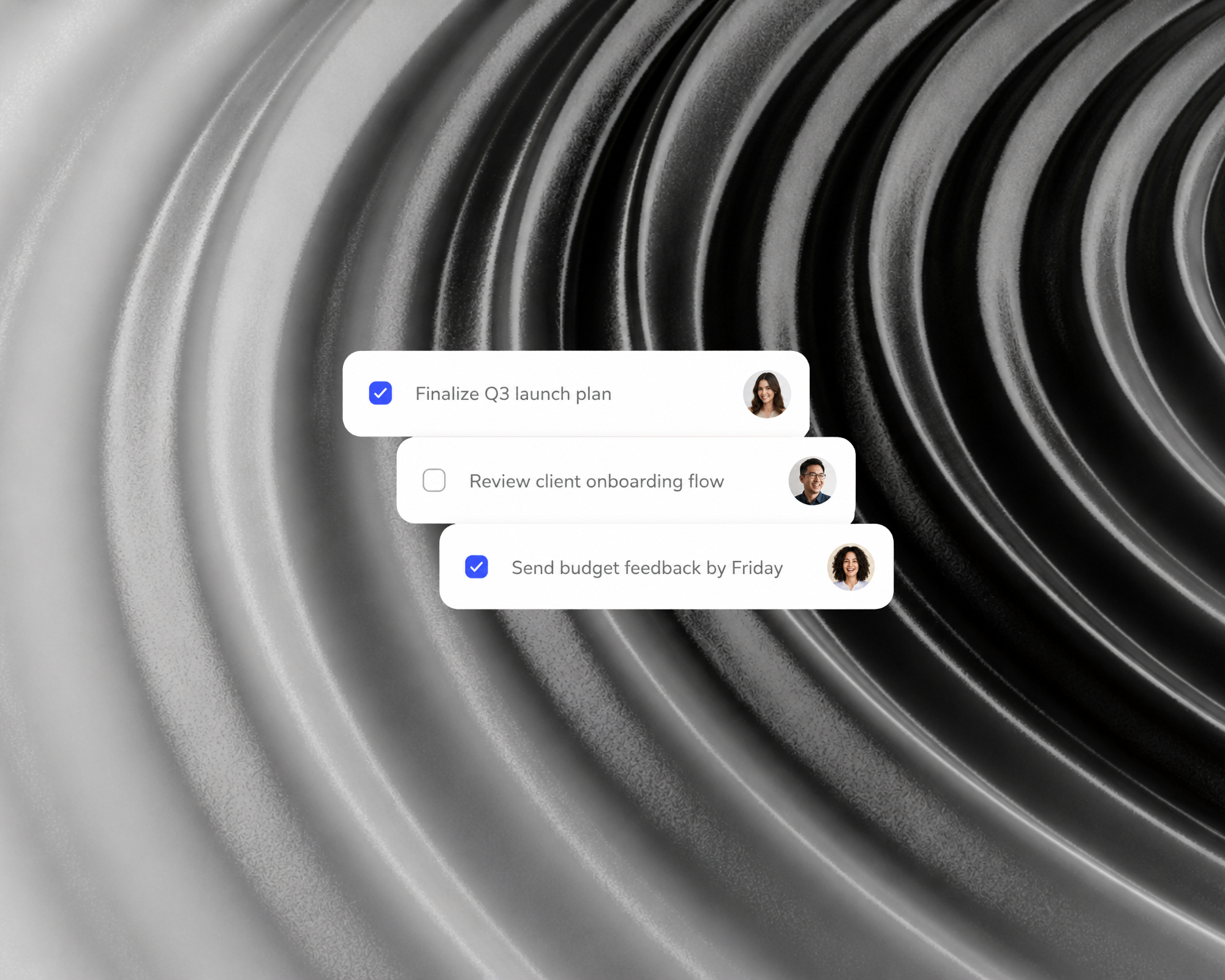
Capture action items, assign clear ownership, and keep your team aligned after every meeting.
Turn the meeting into the official record: who attended, what was discussed, what was resolved, and who does what by when. Export to PDF or Word.
Try the free minutes generator
Boardrooms, staffrooms, consultations and AGMs each have their own rules for what the record must hold. Find the page written for yours.
All solutions
A transcript that tells the speakers apart, a summary of what was decided and formal minutes, ready to send.
Whether you're in the room, on a call, or have a file ready to go, the record comes out the same.
Start freeRecord in-person discussions directly from your browser or mobile device with high-fidelity audio capture.
Import pre-recorded audio files. Supports MP3, WAV, M4A, and all major formats.
Send NoteWave into your Zoom, Microsoft Teams or Google Meet call.
Paste a Zoom, Microsoft Teams or Google Meet link and NoteWave joins the call as a participant. The transcript and summary arrive after the call.
The same steps for every meeting, whether you recorded it in the room, uploaded a file or sent NoteWave into the call.
Every word written down at 97% accuracy, with background noise filtered out.
Up to 32 people told apart in one recording, so every line shows who said it.
More than 99 languages, including English, Afrikaans and isiZulu, even when a meeting switches between them.
The decisions, action items and key points, written up when the meeting ends.
Conversations organised by theme, so you can jump straight to the part that matters.
Turned into formal minutes and exported to PDF or Word.
Ask Echo about any meeting you have recorded: what was decided, who owns which task, and what changed since last time.
Try Echo assistant
Every recording, transcript and summary is encrypted in transit and at rest, and opens only for the people you invite.
How we protect your meetingsShared meetings, comments and assigned tasks keep everyone working from the same record, in one team workspace.
See how teams work in NoteWaveNoteWave transcribes more than 99 languages, including English, Afrikaans, isiZulu, isiXhosa and Sepedi, and keeps up when a meeting switches between them.
Built for how South African meetings sound: several languages in one conversation, local accents, and pricing in rands.
See how NoteWave serves South AfricaStrong support for Afrikaans, Zulu, Xhosa, Northern Sotho, and English.
Accurately capture complex global discussions and regional accents seamlessly.
Local Precision. Global Reach.
A South African-built meeting AI.
Empowering global and local teams to work smarter.
Process a meeting once and it becomes a transcript, a summary, minutes and tasks, in one workspace your team shares.
See all featuresSee progress clearly and keep meetings, tasks, folders, and teammates connected.
Time recorded vs the previous period
Record on iOS or Android, then review transcripts, summaries, and Echo insights wherever work takes you.
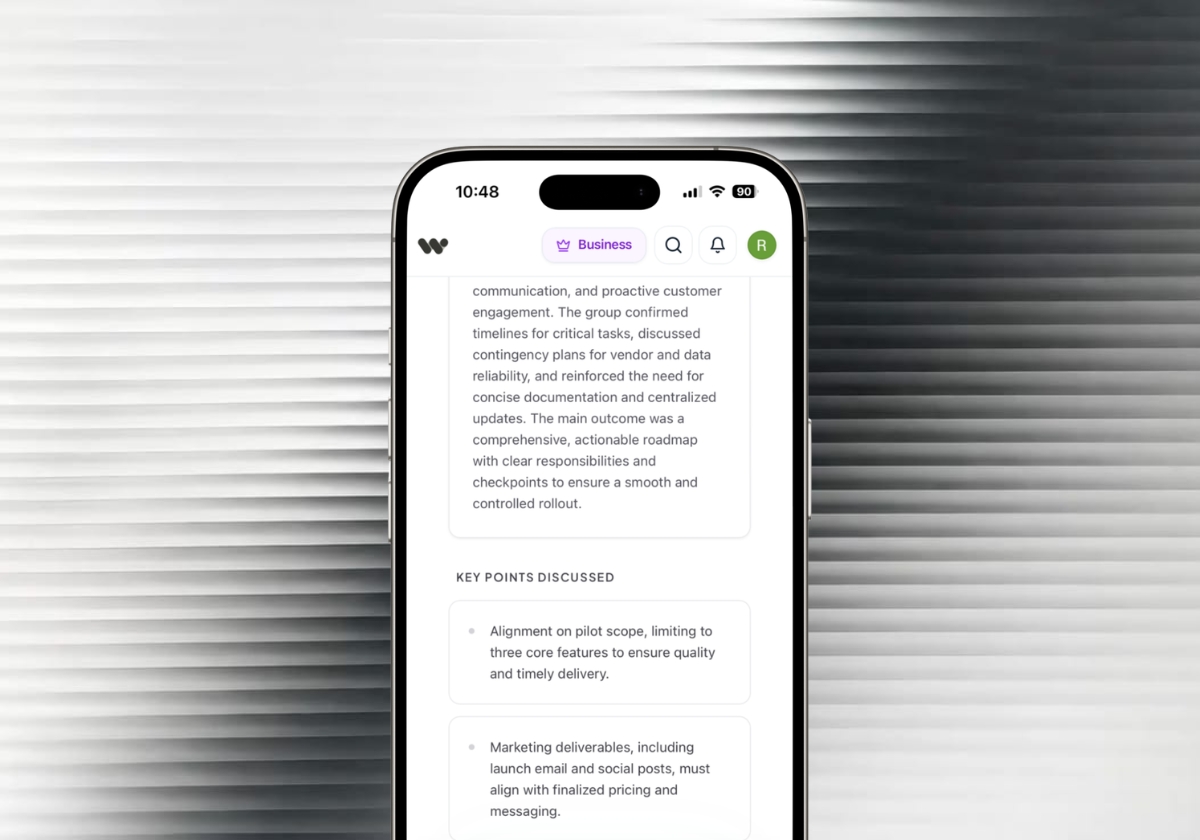
We take protecting them seriously. Encryption, strict access controls, and private storage are built in by default.
Every recording, transcript, and summary is encrypted in transit and at rest, scoped by row-level access control, and stored privately unless you choose to share it.
Try Business free for up to 14 days. No card needed for your first week. Add a card to unlock your second free week.
For your first meetings
Free to use
Selected highlights
For your everyday work
per user / month
Selected highlights
For a connected team
per user / month
Selected highlights
A few highlights from each plan. See pricing for every feature, limit and comparison.
Find answers to common questions about NoteWave's features, security, and pricing.
Our support team is available to help with any technical or billing inquiries.
Contact SupportOur enterprise support team is available to help you with any technical or billing inquiries.
Contact SupportTurn every meeting into clear summaries, decisions, and action items, so you can stay in the conversation.
Free plan available.
Trusted by innovative teams.
See how teams use NoteWave to capture meetings, decisions, and action points.