
NoteWave Is Now Available on iPhone and Android
NoteWave is now available on mobile.
You can now download the NoteWave app on iPhone, iPad, and Android, making it easier to capture, upload, and review meetings directly from your phone.
This is an important step for NoteWave because meetings do not only happen at a desk. They happen in boardrooms, offices, client visits, interviews, lectures, site meetings, and conversations where a phone is often the most convenient device nearby.
With the NoteWave mobile app, your AI meeting assistant is now easier to access wherever work happens.
NoteWave, now on your phone
The NoteWave mobile app brings the meeting workflow closer to where many conversations already happen.
Instead of needing to rely only on a laptop or desktop setup, users can now use NoteWave from their mobile device to record meetings, upload meeting audio, and access their meeting outputs more conveniently.
That means NoteWave can fit more naturally into everyday workflows, whether you are moving between meetings, working away from your desk, or capturing an important conversation on the go.
Why mobile access matters
Meetings are not always planned perfectly.
Sometimes an important conversation happens quickly. Sometimes a client call happens while you are away from your laptop. Sometimes you want to record a discussion without opening a full desktop workflow.
Mobile access helps make that easier.
With NoteWave available on iPhone and Android, users can keep their meeting workflow closer to them throughout the day.
That can help with:
- recording meetings more conveniently
- uploading existing meeting audio from a mobile device
- reviewing transcripts and summaries while away from your desk
- checking action items after a meeting
- accessing meeting minutes and follow-up context more easily
- keeping meeting information closer to the team’s real workflow
The goal is simple: make it easier to capture meetings when and where they happen.
Built for more than recording
The NoteWave app is not only about saving audio.
NoteWave is built to help turn meetings into useful outputs after the conversation ends. That includes AI meeting transcription, smart summaries, speaker identification, action items, meeting minutes, and searchable meeting knowledge.
This matters because a recording on its own is only the beginning.
The real value comes when that meeting becomes easier to review, understand, share, and act on afterwards.
A smoother way to capture meetings on the go
The mobile app is especially useful when your phone is the easiest device to use.
For example, you might use it during:
- in-person meetings
- client conversations
- interviews
- quick team discussions
- lectures or training sessions
- site visits
- informal planning sessions
Instead of trying to remember everything afterwards, users can capture the conversation and let NoteWave help turn it into structured meeting outputs.
Access NoteWave across your workflow
The launch of the mobile app strengthens the wider NoteWave experience.
Teams can continue using NoteWave for live meetings, uploaded recordings, meeting transcripts, summaries, action items, meeting minutes, Echo, and team collaboration. The mobile app simply makes that workflow more accessible from the device many people already have with them.
Whether you use NoteWave from your desktop or your phone, the goal stays the same:
capture the meeting, understand what mattered, and make follow-up easier.
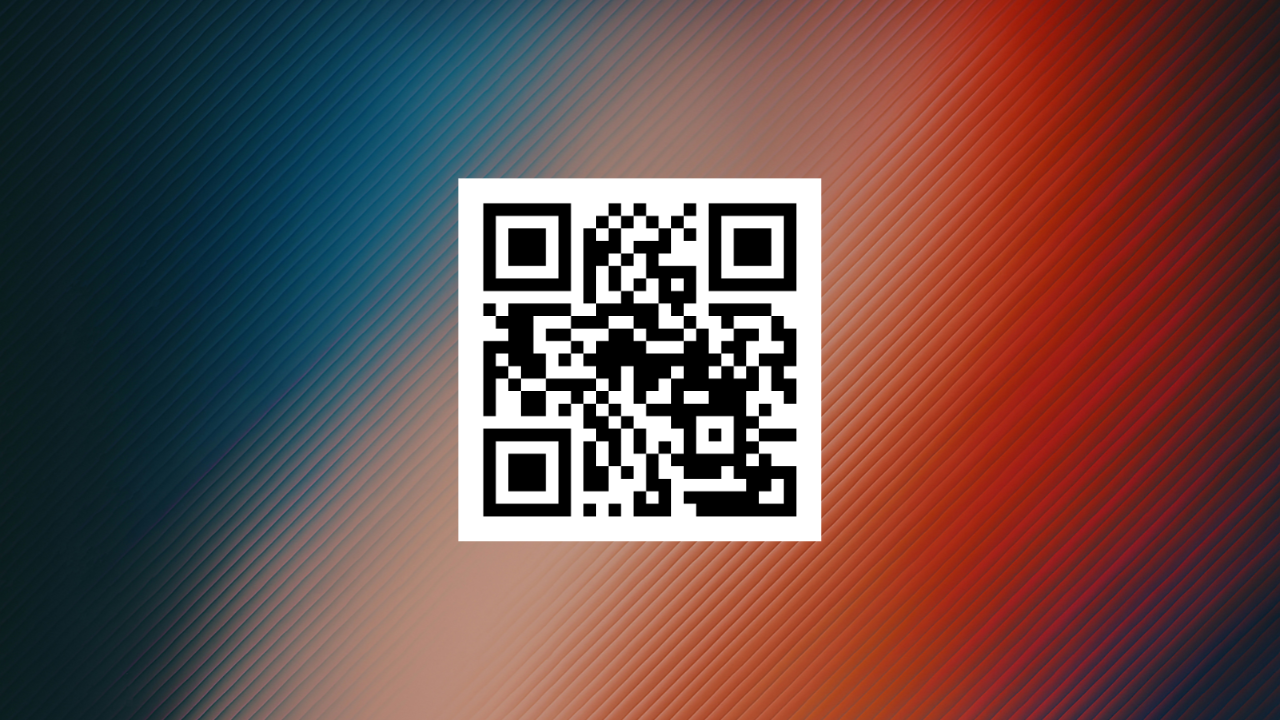 QR code linking to the NoteWave mobile app download page for iPhone and Android
Download the NoteWave app
You can now download NoteWave from the Apple App Store or Google Play.
You can also scan the QR code on this page to open the correct download page from your mobile device.
Final thoughts
This launch is an exciting step for NoteWave.
By bringing NoteWave to iPhone, iPad, and Android, we are making it easier for users to capture and manage meetings wherever work happens.
Meetings should be easier to record, easier to review, and easier to act on afterwards.
The NoteWave mobile app helps make that possible.